For freelance developers and designers
Great at the work. Get better at the business.
Finding clients, pricing projects, writing proposals and getting paid shouldn’t be harder than the work itself. A practical playbook and ready-to-use tools for freelance developers and designers.
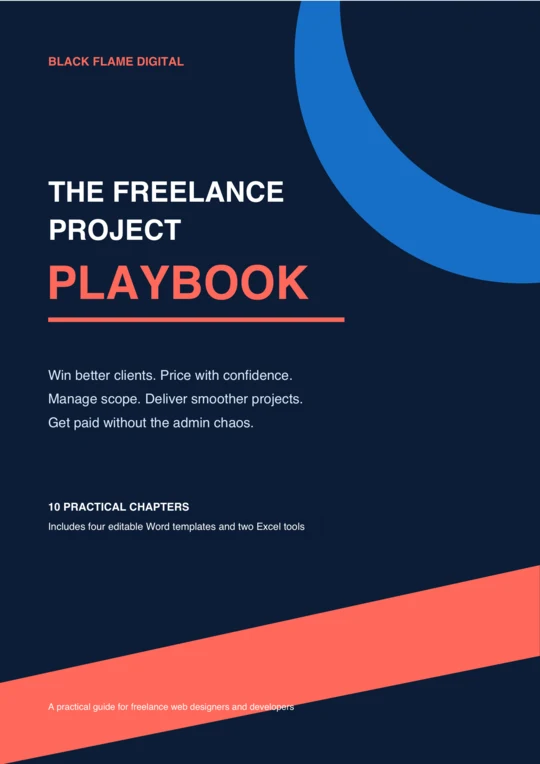
The Freelance Project Playbook
- 31-page A4 PDF ebook
- 10 practical chapters
- 4 editable Word templates
- 2 Excel tools: profitability calculator and lead pipeline tracker
Price: $19, reduced from $29Launch price
One payment for all seven files. No subscription, and a new download link whenever you need one.
Price includes any VAT or sales tax. Secure checkout by Stripe.
The business side of client work, one part at a time.
Find better clients
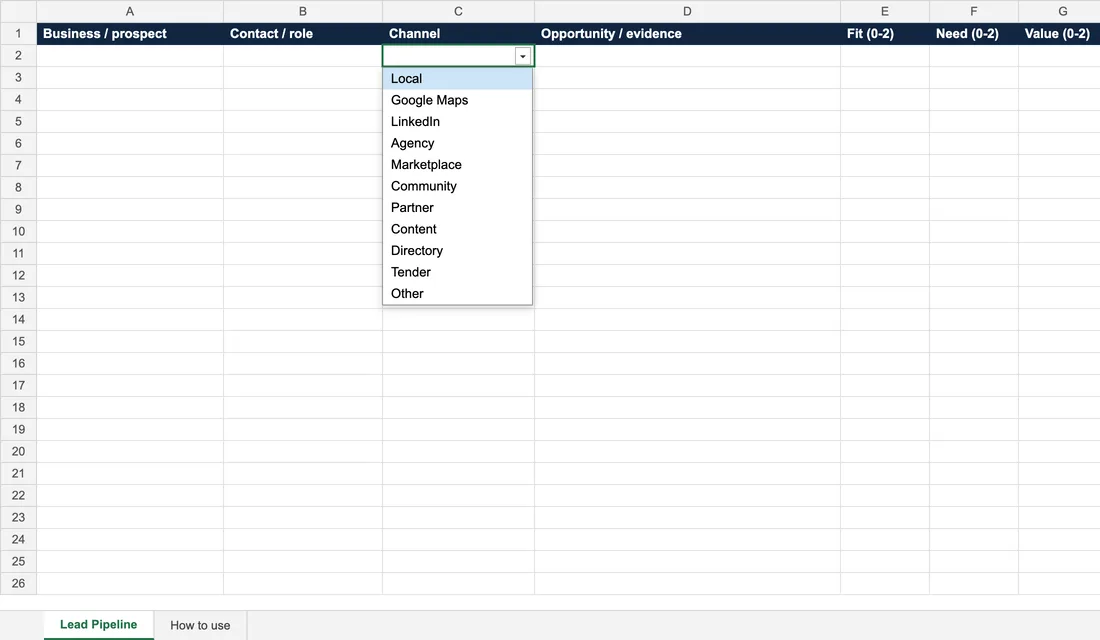
Find leads worth pursuing, score each one on fit, need, value and access, and decline the ones that do not fit.
Chapter 2 · Lead Pipeline Tracker
Price with confidence
Count the hours a quote usually leaves out, set an hourly floor, and check what a project really pays before you commit.
Chapters 1 and 3 · Profitability Calculator
Run smoother projects
Structured discovery, a proposal with clear scope, changes approved before work starts, and a clean handover.
Chapters 4 to 6 · Discovery, Proposal and Change Request templates
Get paid with less friction
Set the payment schedule before work starts, handle difficult moments fairly, and close each project with sign-off and a correct invoice.
Chapters 7 and 8 · Project Handover & Closeout template
What did your last project really pay per hour?
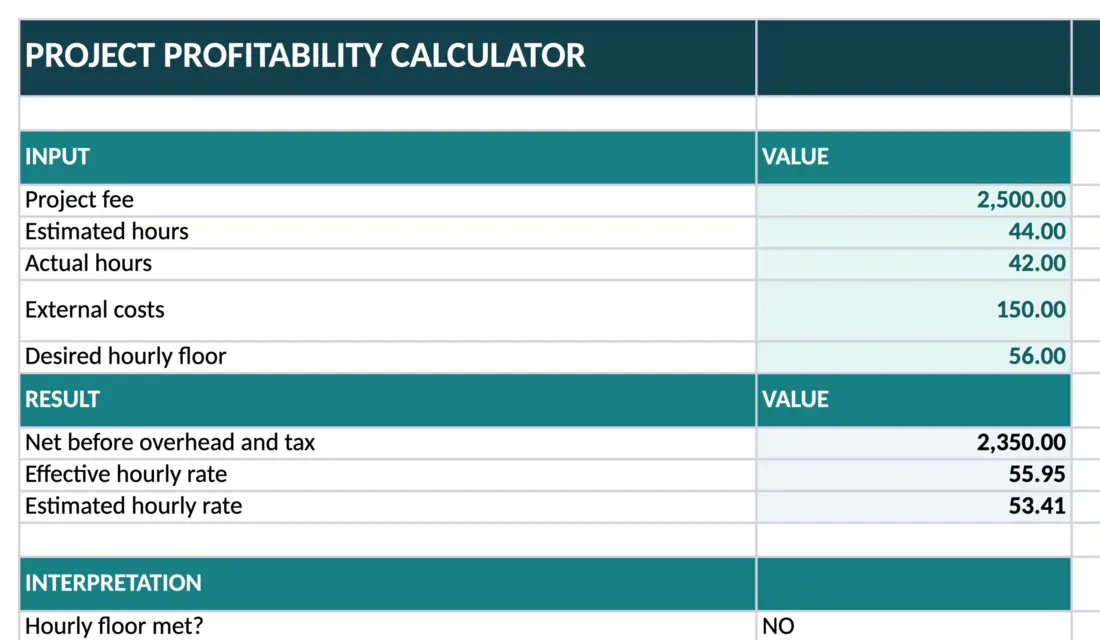
This is the calculator from the download, running the same formulas. Change the numbers to your last project. The Playbook includes it as an editable Excel workbook, with a tracker sheet for comparing projects.
Result
- Effective hourly rate
- $55.95
- Hourly floor met?
- No
- Net before overhead and tax
- $2,350.00
- Estimated hourly rate
- $53.41
- Hours over estimate
- −2
Sample values are the workbook's own. Results exclude tax and business overheads, as in the Excel file. Like the workbook, amounts are read in the currency you pick, with no conversion between currencies. The workbook also has a tracker sheet for comparing several projects.
One ebook and six files, ready to edit.
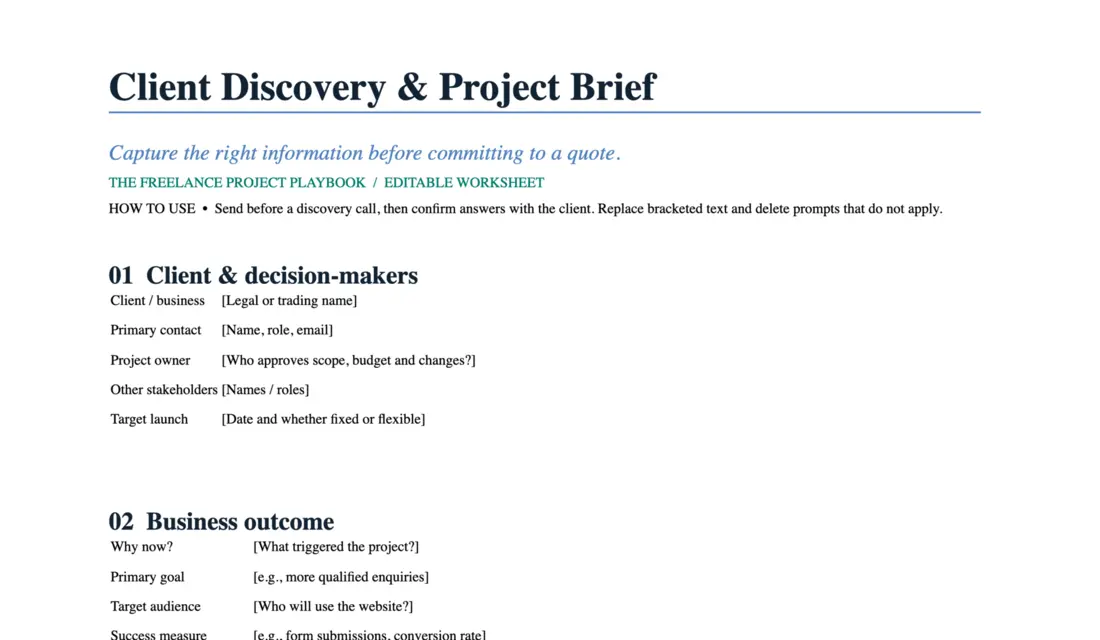
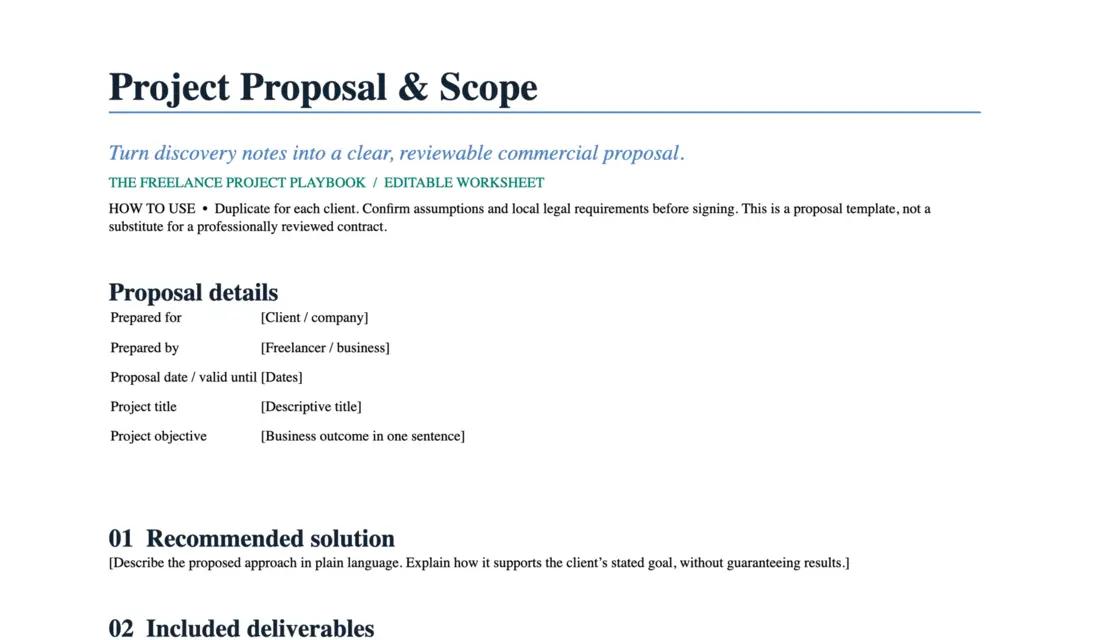
Word and Excel files you fill in for your next client. Every template includes a worked example, so you can see a finished one before writing your own. Select a file to see the top of its first page, or enlarge it to read.
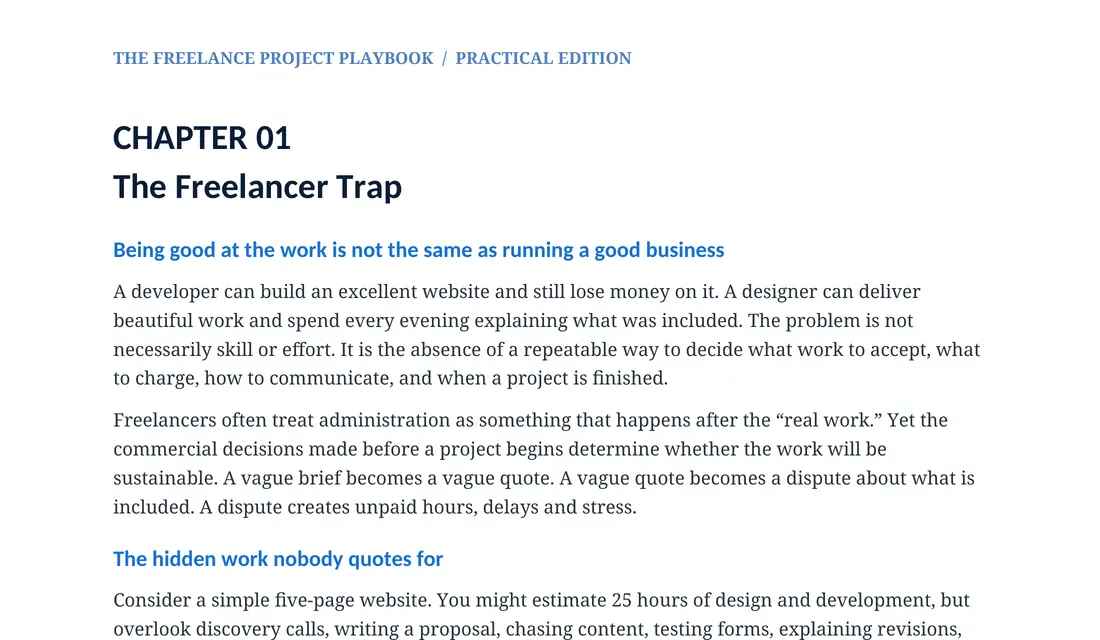
PDF · chapter 1, top of page 3 of 31
Excerpt from the file
DOCX · top of page 1
Excerpt from the file
DOCX · top of page 1
Excerpt from the file
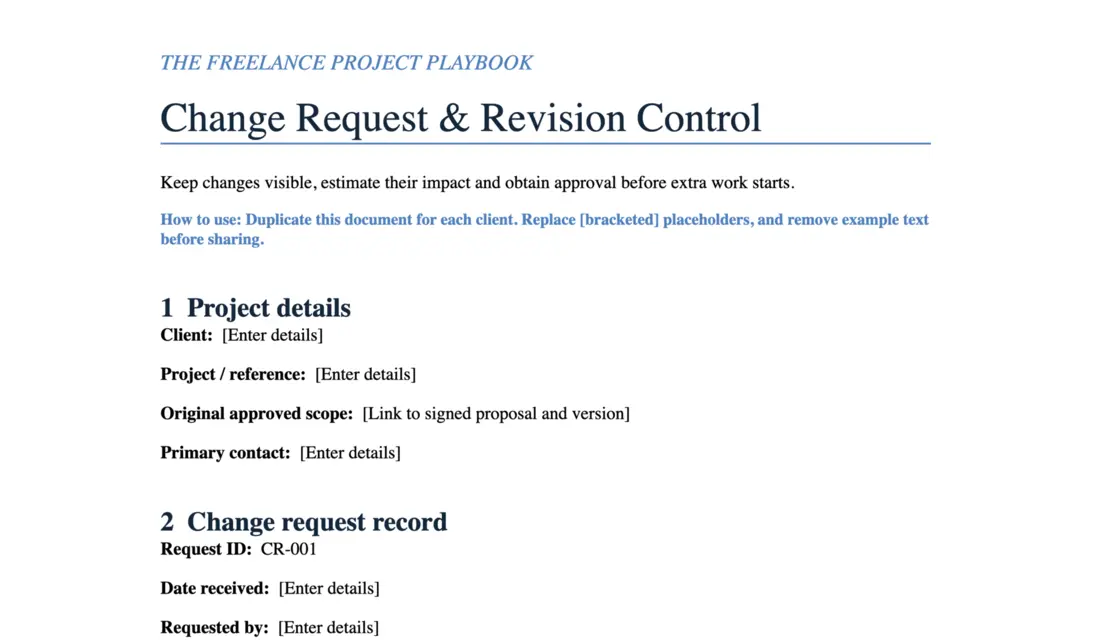
DOCX · top of page 1
Excerpt from the file
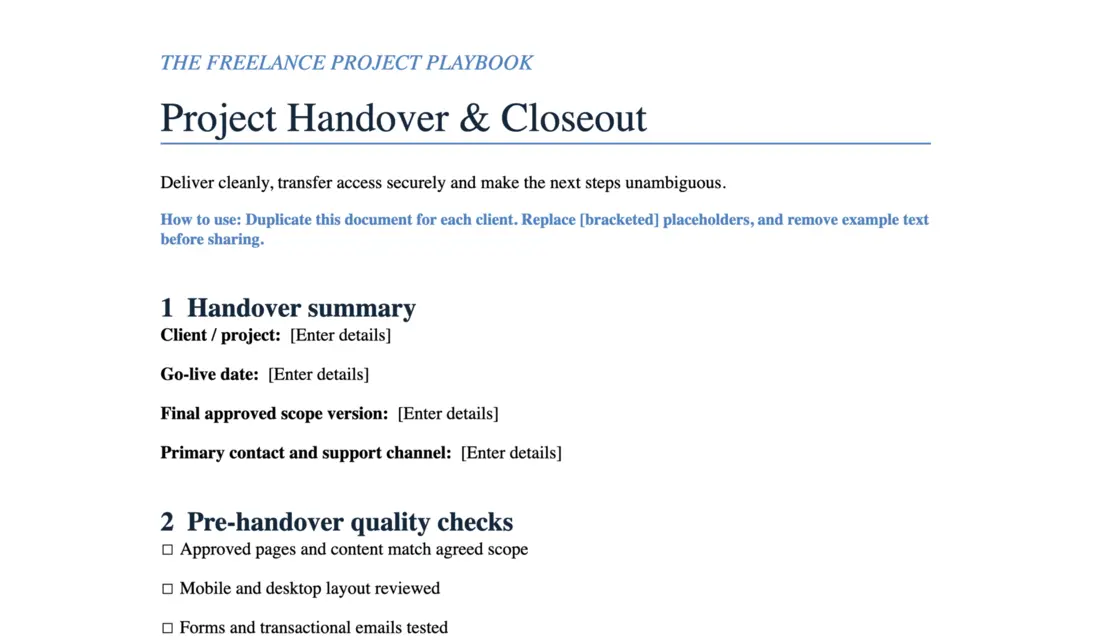
DOCX · top of page 1
Excerpt from the file
XLSX · top of page 1
Excerpt from the file
XLSX · top of page 1
Excerpt from the file
Ten chapters, from first enquiry to final payment.
Read a chapter, do its short exercise, then use the matching template on a real or practice project. Open any chapter to read the start of its first page.
The Freelancer Trap
Being good at the work is not the same as running a good business.
Finding Better Clients
A lead is not yet a project.
Pricing for Profit
A price must cover more than the visible build.
Writing Winning Proposals
A proposal should help both parties decide, not simply make the freelancer look impressive.
Starting Projects Right
The first week should remove uncertainty, not create more meetings.
Managing Projects Without Chaos
A good project system makes the next decision obvious.
Handling Difficult Clients
Protect the relationship by making decisions visible and fair.
Getting Paid Without the Awkwardness
A project is not financially complete when the website goes live. It is complete when the agreed work is accepted, the invoice is issued correctly, and the payment is reconciled.
Using AI Without Losing Your Judgment
AI can turn scattered notes into a first draft. It cannot decide what you promised, what the client approved, or whether a contract clause is enforceable.
Build a Business You Can Sustain
A busy calendar is not the same as a healthy freelance business.
One example project, followed through every chapter.
The book follows Alex, an independent web developer, quoting £2,500 for Harbour Studio's five-page marketing website, and revisits that quote as the requirements change. Chapter 1 starts by counting the hours a quote like that leaves out.
Alex and Harbour Studio are fictional. The arithmetic is worked through.
| Work category | Hours |
|---|---|
| Discovery and proposal | 4 |
| Design and build | 25 |
| Testing and revisions | 6 |
| Client communication | 4 |
| Handover and invoicing | 3 |
| Total | 42 |
What it is
A practical operating system for small freelance projects: how to choose clients, price, propose, run, change, hand over and get paid, with the documents to do each.
What it is not
A promise of income, a legal contract, or a substitute for professional tax or legal advice. The book says so up front.
Questions
What exactly do I download?
One ZIP file with seven files: the 31-page A4 PDF ebook (10 practical chapters, including an expanded chapter on finding clients), four editable Word templates, the Excel project profitability calculator and the Excel lead pipeline tracker.
What do I need to open the files?
A PDF reader, plus any app that opens Word (.docx) and Excel (.xlsx) files. Microsoft Office, Apple Pages and Numbers, Google Docs and Sheets, and LibreOffice all work.
How do I get the files after paying?
Checkout takes you straight to your files, and we email you a download link that works for 7 days. After that, enter your email address on the downloads page and we will send a new link, as often as you need it.
Which currency do the Excel tools use?
In the calculator you choose GBP, USD or EUR, and every amount you enter is read in that currency. In the lead tracker the estimated fee is a plain number in your working currency. Neither converts between currencies.
Is VAT or sales tax included?
The price you see is the price you pay. Where VAT, GST or sales tax applies to your purchase, it is already included rather than added at checkout.
Who processes the payment?
Stripe. Purchases are sold through Onelink, a Stripe service that acts as the merchant of record: it takes the payment and sends your receipt, and your bank statement shows the charge as ONELINK* BLACKFLAMEDIG. We deliver the files and support the product itself. You may be shown the price converted to your local currency at checkout.
Do I need an account?
No account and no password. You pay through Stripe Checkout with an email address, and that inbox is your key: download links are only ever sent there.
Who is it for?
Freelance web designers and developers who quote, run and invoice their own client projects. The worked examples follow a five-page marketing website, so it fits small website projects most closely.
Is it legal, tax or financial advice?
No. It is practical business education. The templates are working aids, not legal contracts, so adapt them to your location and get qualified advice where you need it.
Refunds are covered by the refund policy.
The Freelance Project Playbook
One payment for all seven files. No subscription, and a new download link whenever you need one.
Price: $19, reduced from $29Launch price
Created by Black Flame Digital, a UK studio that designs and builds websites, web apps, mobile apps and desktop software for real businesses.
See the studio's work